Thank you & Congratulations!
STEP 1: Check Your Inbox for Your Access Link
Within the next two minutes, you will receive an automated welcome email from support@bcbworkshop.com with the subject line: [Access Details] Welcome to the BCB Workshop.
Inside that email is your private, secure link to the BCB Workshop Members Area. If you do not see it in your primary inbox, please check your spam or promotions folder and drag it to your main inbox to ensure you receive future support updates.
STEP 2: Log In Using Your Purchase Email Address
Click the secure link inside your welcome email to open the Members Area login page.
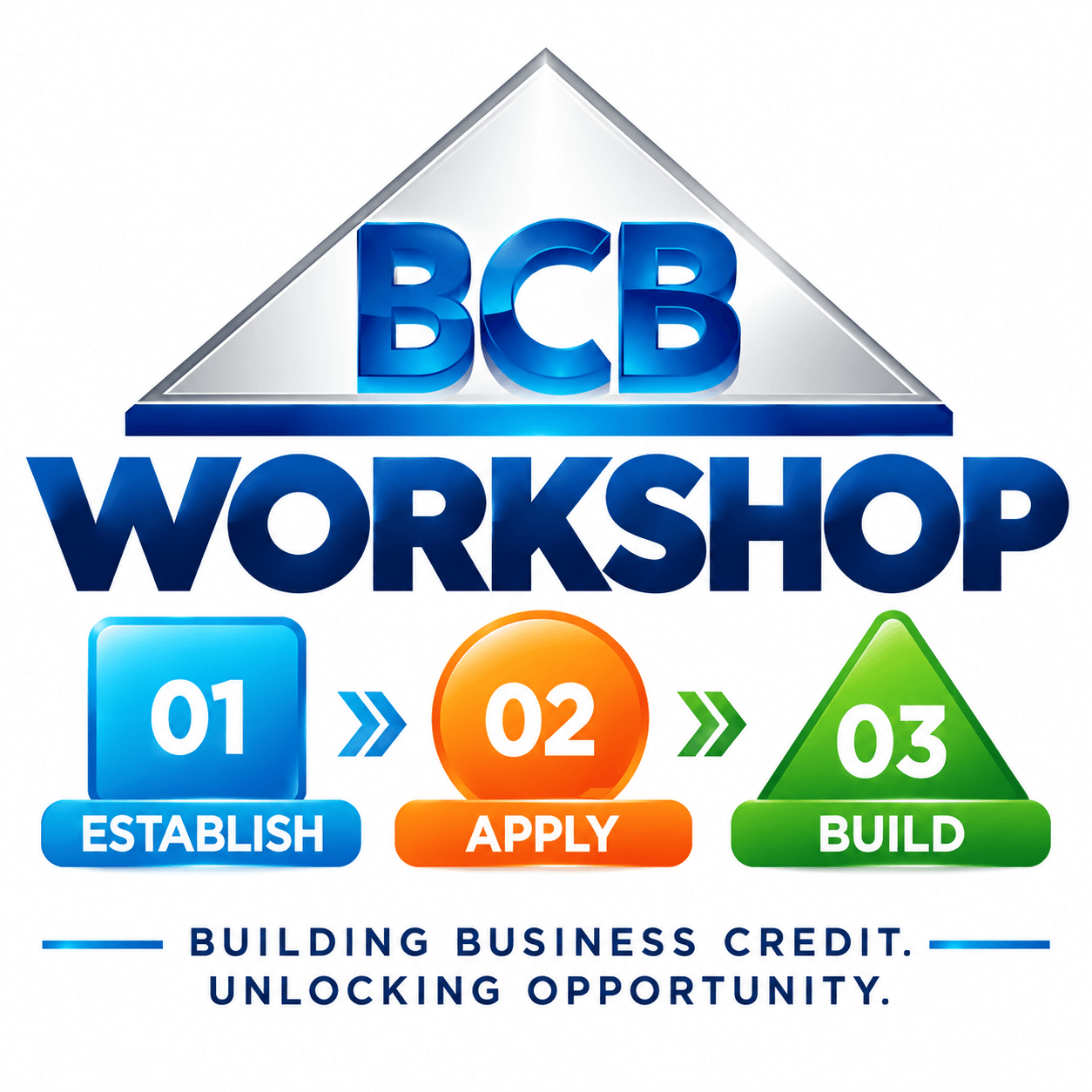
You will be prompted to enter your email address. Make sure to use the exact same email address you used to complete your purchase today. This email is already whitelisted in our system and will instantly grant you access to all three video training modules: Establish, Apply, and Build.
STEP 3: Bookmark the Page and Start With Phase 1 🟦
Once you are inside, immediately bookmark the login page on your web browser or phone so you can easily return to the video lessons anytime.
When you're ready to start, go straight to the Phase 1: Establish module. Do not skip ahead. You must establish your business entity and set up your credit profiles properly before you attempt to apply for or build actual business funding lines.
STEP 4: Quick Access To Your BCB Workshop Bonuses:
Support email: support@bcbworkshop.com
Privacy Policy | Terms of Service
EARNINGS DISCLAIMER: We don’t believe in “get rich” programs - only in hard work, adding value, building a real and professional career, and serving others with excellence.
Diego Rodriguez United States Marine • Real Estate Investor • Credit Strategist
Author of From Denied to Approved : The Credit Repair Playbook and
Mentor of the BCB Workshop.
Copyright: © 2026 BCBWORKSHOP. All rights reserved.